
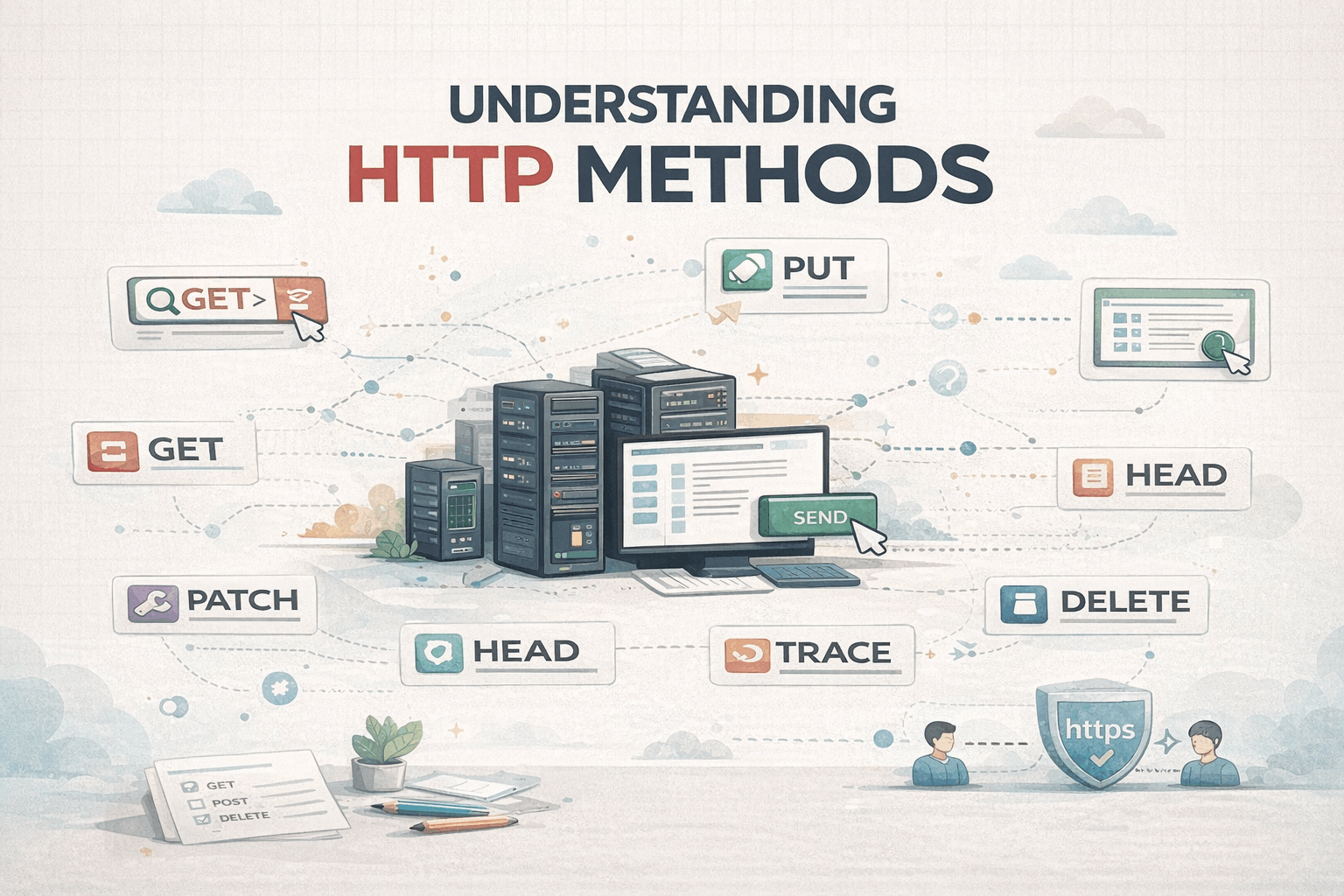
HTTP methods are the foundation of communication between clients and servers. Every web application — from a simple website to a large-scale distributed system — relies on them to transfer data reliably.
Yet, many developers use HTTP methods daily without fully understanding why or when to use each one.
This guide breaks down the 9 core HTTP methods, explains their real-world purpose, and helps you choose the right one while designing APIs.
What Are HTTP Methods?
HTTP methods define what action a client wants to perform on a resource hosted on a server.
A resource can be:
- A user
- A product
- An order
- A file
- Any piece of data exposed through an API
Each HTTP method has a specific responsibility. Using them correctly leads to:
- Clean API design
- Predictable behavior
- Better security
- Easier maintenance
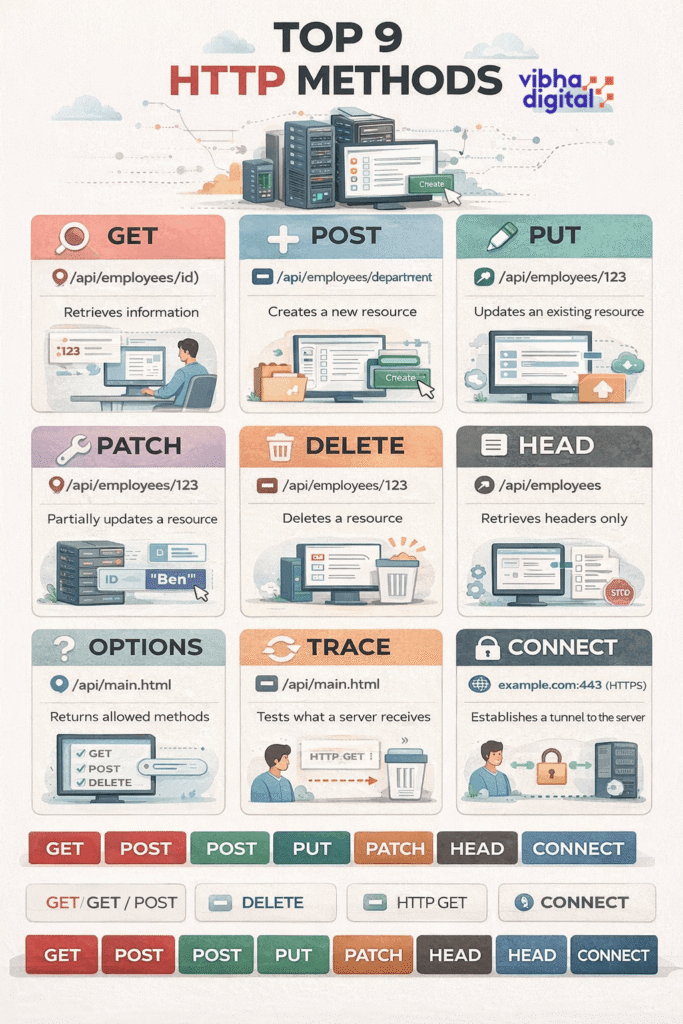
1. GET — Retrieve Data
Purpose: Fetch data from the server
Does it change data? ❌ No
Request body: ❌ Not used
Example:
GET /api/employees/123
GET is used to read-only data. It should never modify server state.
Key Characteristics:
- Safe
- Cacheable
- Idempotent (same request = same result)
Common Use Cases:
- Fetching user profiles
- Listing products
- Loading dashboards
2. POST — Create New Resources
Purpose: Send data to the server to create something new
Does it change data? ✅ Yes
Request body: ✅ Required
Example:
POST /api/employees
POST is used when the server decides how the resource is created and assigns identifiers.
Key Characteristics:
- Not idempotent
- Not cacheable
- Used for creation or processing
Common Use Cases:
- User registration
- Creating orders
- Submitting forms
3. PUT — Replace an Existing Resource
Purpose: Update or replace an entire resource
Does it change data? ✅ Yes
Request body: ✅ Required
Example:
PUT /api/employees/123
PUT replaces the entire representation of a resource. Missing fields may be overwritten or removed.
Key Characteristics:
- Idempotent
- Requires full payload
Common Use Cases:
- Updating complete user profiles
- Replacing configuration data
4. PATCH — Partial Updates
Purpose: Update specific fields of a resource
Does it change data? ✅ Yes
Request body: ✅ Required
Example:
PATCH /api/employees/123
{
  "name": "Ben"
}
PATCH is preferred when you only need to change part of a resource.
Key Characteristics:
- More efficient than PUT
- Reduces payload size
Common Use Cases:
- Updating status fields
- Editing single attributes
- Profile edits
5. DELETE — Remove a Resource
Purpose: Delete data
Does it change data? ✅ Yes
Request body: ❌ Optional
Example:
DELETE /api/employees/123
DELETE removes a resource permanently or marks it as inactive (soft delete).
Key Characteristics:
- Idempotent
- Returns same result even if repeated
Common Use Cases:
- Removing records
- Deactivating accounts
6. HEAD — Metadata Only
Purpose: Retrieve headers without the response body
Does it change data? ❌ No
Example:
HEAD /api/employees
HEAD behaves like GET but returns only headers.
Common Use Cases:
- Checking resource existence
- Validating cache freshness
- Measuring response size
7. OPTIONS — Discover Allowed Methods
Purpose: Check what operations are supported
Does it change data? ❌ No
Example:
OPTIONS /api/employees
OPTIONS is often used by browsers during CORS preflight requests.
Common Use Cases:
- API capability discovery
- Cross-origin request validation
8. TRACE — Debugging Requests
Purpose: Echo the received request
Does it change data? ❌ No
Example:
TRACE /api/main.html
TRACE helps diagnose how a request travels through proxies and servers.
⚠️ Often disabled in production due to security risks.
9. CONNECT — Secure Tunnels
Purpose: Establish a tunnel to the server
Does it change data? ❌ No
Example:
CONNECT example.com:443
CONNECT is used to create secure HTTPS tunnels, especially through proxies.
Common Use Cases:
- HTTPS connections
- Secure communication channels
Choosing the Right HTTP Method
| Action | Method |
|---|---|
| Read data | GET |
| Create data | POST |
| Replace data | PUT |
| Update part of data | PATCH |
| Delete data | DELETE |
| Check metadata | HEAD |
| Check permissions | OPTIONS |
| Debug flow | TRACE |
| Secure tunnel | CONNECT |
Final Thoughts
Mastering HTTP methods is not about memorizing definitions — it’s about intentional API design.
When used correctly:
- APIs become predictable
- Teams collaborate better
- Systems scale more reliably
Whether you’re a frontend developer moving to backend, a full-stack engineer, or preparing for interviews — this knowledge is non-negotiable.




Leave a Reply